
Group work into projects and assign vendors
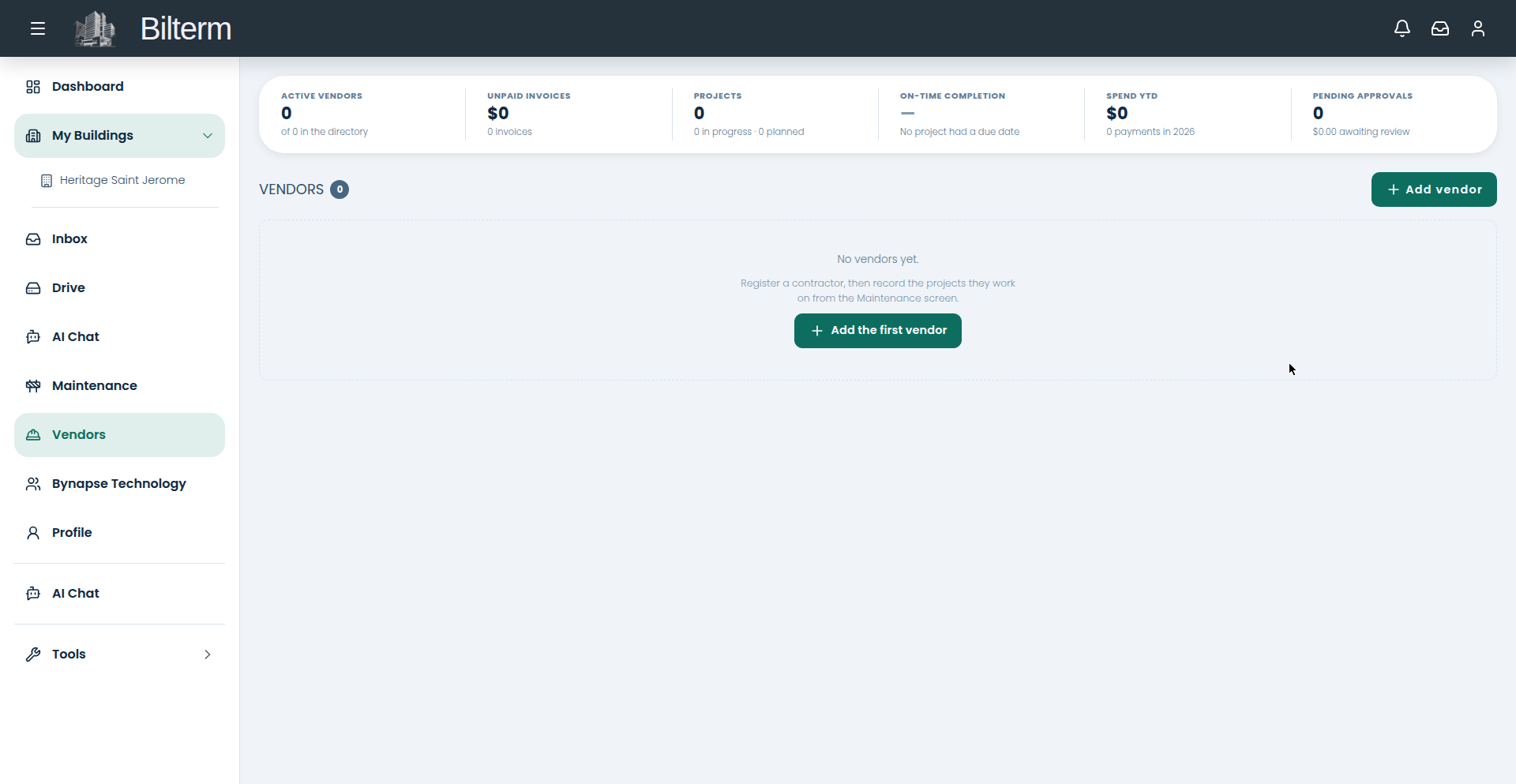
A dripping tap is a request. A bathroom renovation is a project. Projects bundle the work, the vendor, the agreed amount, and the due date in one place.
- Go to Maintenance and click New project.
- Under The Work: describe What is the work (required), the Agreed amount, and the Due date.
- Under Who and Where: choose Who is doing the work — pick the vendor (add them first in Vendors if they’re new). Status starts as Planned. Tie the project to a Building, and to a Unit — or leave it as Whole building. Add Notes.
- Save. The project gets its own detail page tracking the work, the vendor, and the money.
- Watch the Maintenance metrics: Active Projects (in progress vs. planned), Owed (unpaid amounts), and Spend for the year.
Tips
- Set the agreed amount before work starts, even if it’s a rough number. “We’ll figure it out” is how a $800 job becomes a $2,400 argument.
- Assign the vendor at creation, not after. An unassigned project is a wish; an assigned one is a commitment with a name on it.
- Close out finished projects with proof-of-work photos on the record. When you sell the building, the project history is the renovation story a buyer wants to see.
Leave a Reply
Want to join the discussion?Feel free to contribute!