
Give your AI assistant the keys to your portfolio
Bilterm speaks MCP (Model Context Protocol), the open standard for connecting AI assistants to software. Generate an integration token, hand it to Claude, Grok, or any MCP-capable agent, and ask about your buildings in plain language.
How it works
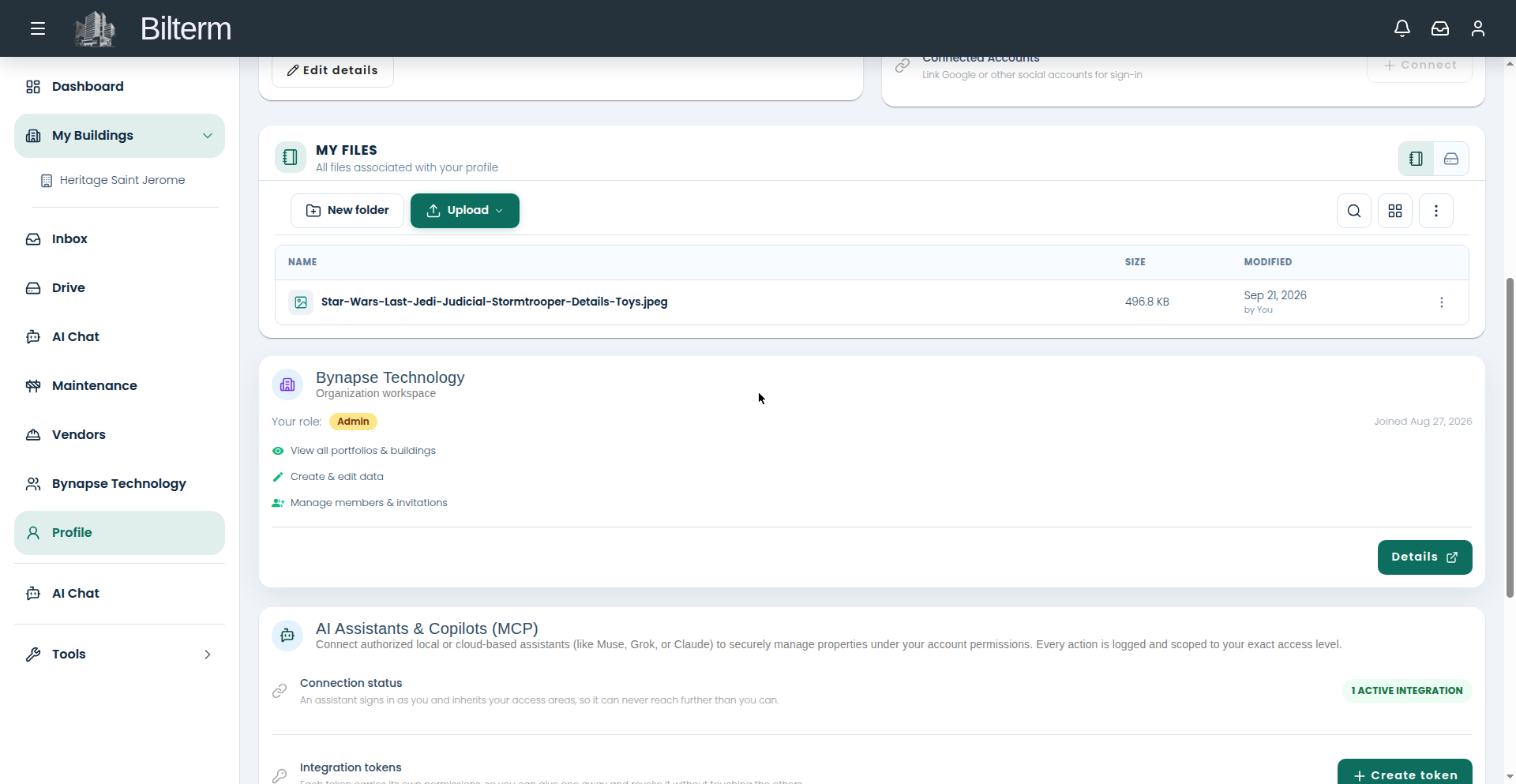
1. Create an integration token. In the portal, go to Profile → AI Assistants & Copilots and click “Create token.” Name it (so the activity log shows which integration acted), choose read-only or read-write scopes, and set an expiry. The token is shown once — copy it then.
2. Connect your agent. Two transports, same design:
- Local (stdio): run the open
bilterm-mcpserver on your machine with the token. The Profile page shows setup tabs for Claude Code, Grok, and others. - Hosted (HTTP): point a cloud agent at the hosted MCP endpoint with the token as the bearer credential. No local process needed.
3. Ask. “Which leases expire in the next 90 days?” “Show me the maintenance requests for building X.” The agent queries through the same permissions you have.
The 8 tools
whoami— reveals the token’s effective access. Start here.list_properties— buildings in scope.list_leases— leases, active and historical.get_lease— full detail on one lease.list_tenants— tenant directory.list_rent_payments— the rent ledger: charges and payments.list_files— Drive files in scope.list_inbox_conversations— inbox threads.
The permission model
The MCP server holds zero permission logic. Your token is exchanged for a short-lived credential narrowed to the token’s scopes, and row-level security in the database decides every row. A restricted token returns empty results, not errors — the agent simply can’t see what you didn’t grant.
Revoke the token on your Profile page and the agent’s access stops immediately.
Every call is logged
Profile → Agent activity shows each MCP call as an agent action: which token, which tool, when. If an agent ever does something surprising, the trail is right there.
Practical notes
- Tokens are per integration, individually revocable and expirable. Create one per agent, not one for everything.
- Start agents on read-only scopes. Grant write scopes only when the agent needs to act, not just report.
- The MCP tools read operational data — properties, leases, tenants, ledger, files, inbox. They don’t change your portal settings or your team.
- Questions about the integration itself? Write to office@bilterm.com.