One portal for the whole rental operation
Bilterm covers the full lifecycle of a rental building: finding the deal, signing the lease, collecting the rent, fixing what’s broken, and keeping every document. Here’s what each module does and who it’s for.
Dashboard & investor KPIs
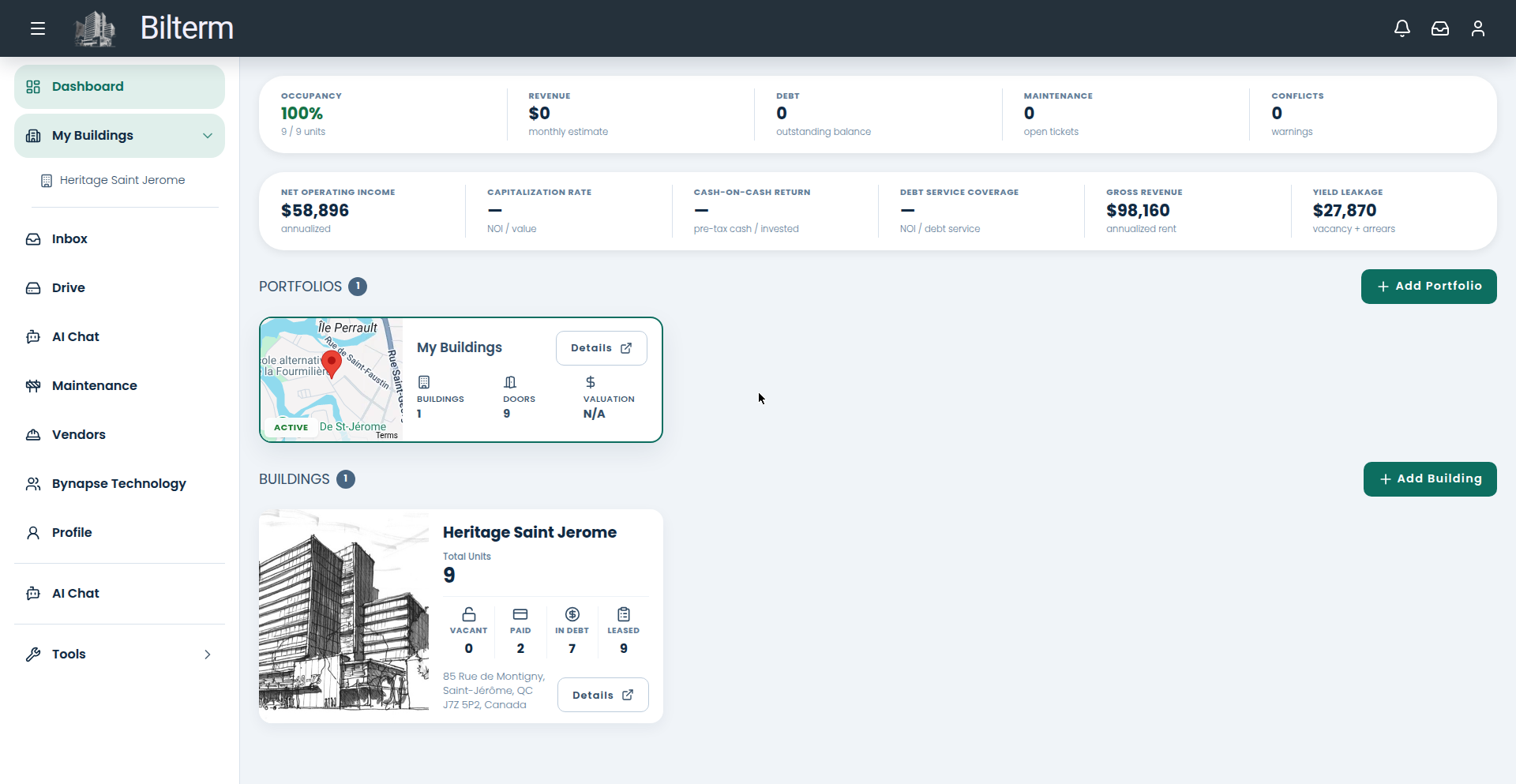
What it does: The dashboard opens on a KPI strip — occupancy, monthly revenue estimate, outstanding debt, open maintenance tickets, and conflict warnings — followed by investor metrics: net operating income, capitalization rate, cash-on-cash return, debt service coverage, gross revenue, and yield leakage (vacancy plus arrears). Below that: your portfolios, a map card, and building cards with vacant / paid / in-debt / leased counters.
Who it’s for: Owners who want the portfolio’s financial pulse without opening a spreadsheet.
Buildings & units
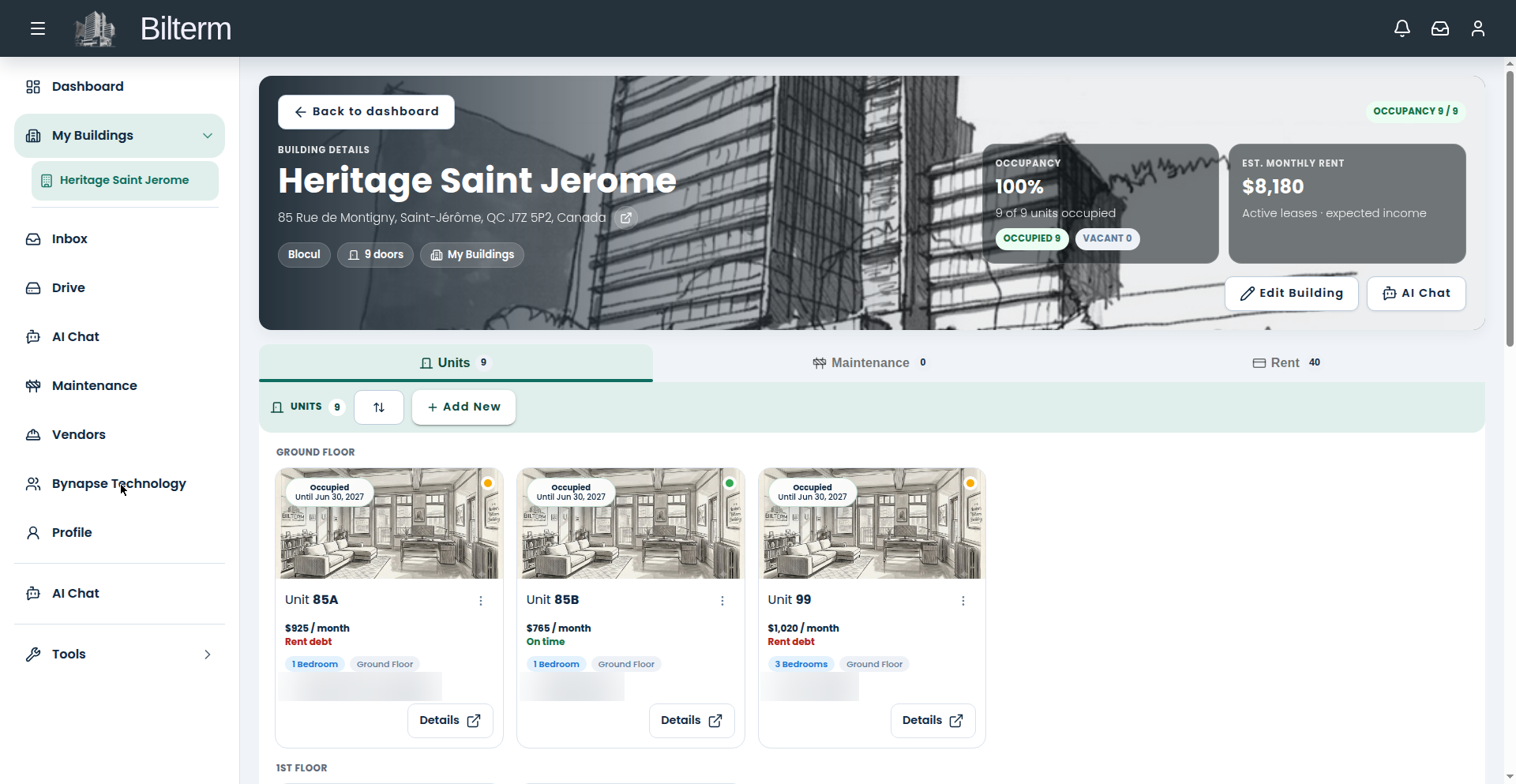
What it does: Each building gets a detail page with a map card, a KPI strip, and three tabs: Units, Maintenance, and Rent. The Units tab lists every unit as a card — photo, rent per month, status chip, bedrooms, floor, current tenant, lease end — with sorting by floor, problems, or lease status, plus search and filters. Open a unit for five tabs: Overview, Tenant, Lease, Maintenance, Files. Building metadata covers roof age, boiler type, tax ID, and more. Assets move through a lifecycle: Prospect, For Sale, Under Contract, Active, Sold.
Who it’s for: Landlords who want every unit’s story — tenant, lease, repairs, files — two clicks away.
Leases
What it does: Lease list and lease detail pages, each lease linked to its unit, with active and historical tenancies preserved and a feed of lease changes. Québec compliance is built in: TAL form links on the lease detail page, renewal-deadline alerts 3 to 6 months before expiry, and no security-deposit fields anywhere in the product.
Who it’s for: Anyone who’s ever missed a renewal notice window.
Tenants & tenant portal
What it does: A tenant directory with detail pages and move-in/move-out tracking. The tenant portal is a separate space where tenants sign in with a magic link and see their own rent ledger and payment history, the documents you’ve shared with them, and their signed lease. You invite each tenant and can re-send or revoke the invitation at any time.
Who it’s for: Landlords tired of “can you send me my lease again?” emails.
Rent ledger
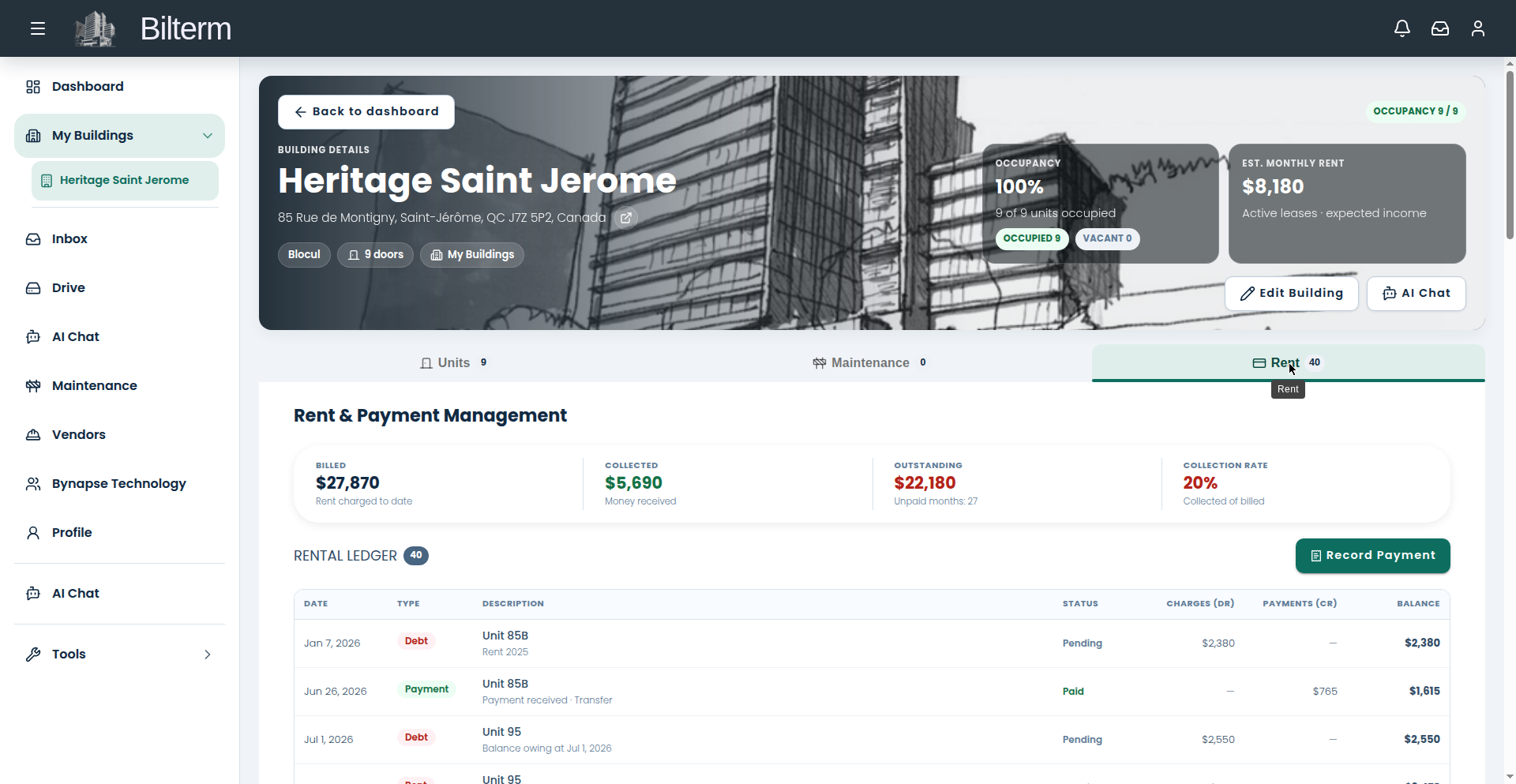
What it does: The building’s Rent tab is a full rent ledger: charges and payments, filterable by lease and by status, with billed, collected, outstanding, and collection-rate figures on top. Record payments (transfer, cheque, cash, card, digital wallet, other), record charges, or waive a debt with an audit trail. Entry is manual — Bilterm does not process payments or connect to bank feeds.
Who it’s for: Owners who want to know, at any moment, exactly who owes what.
Maintenance
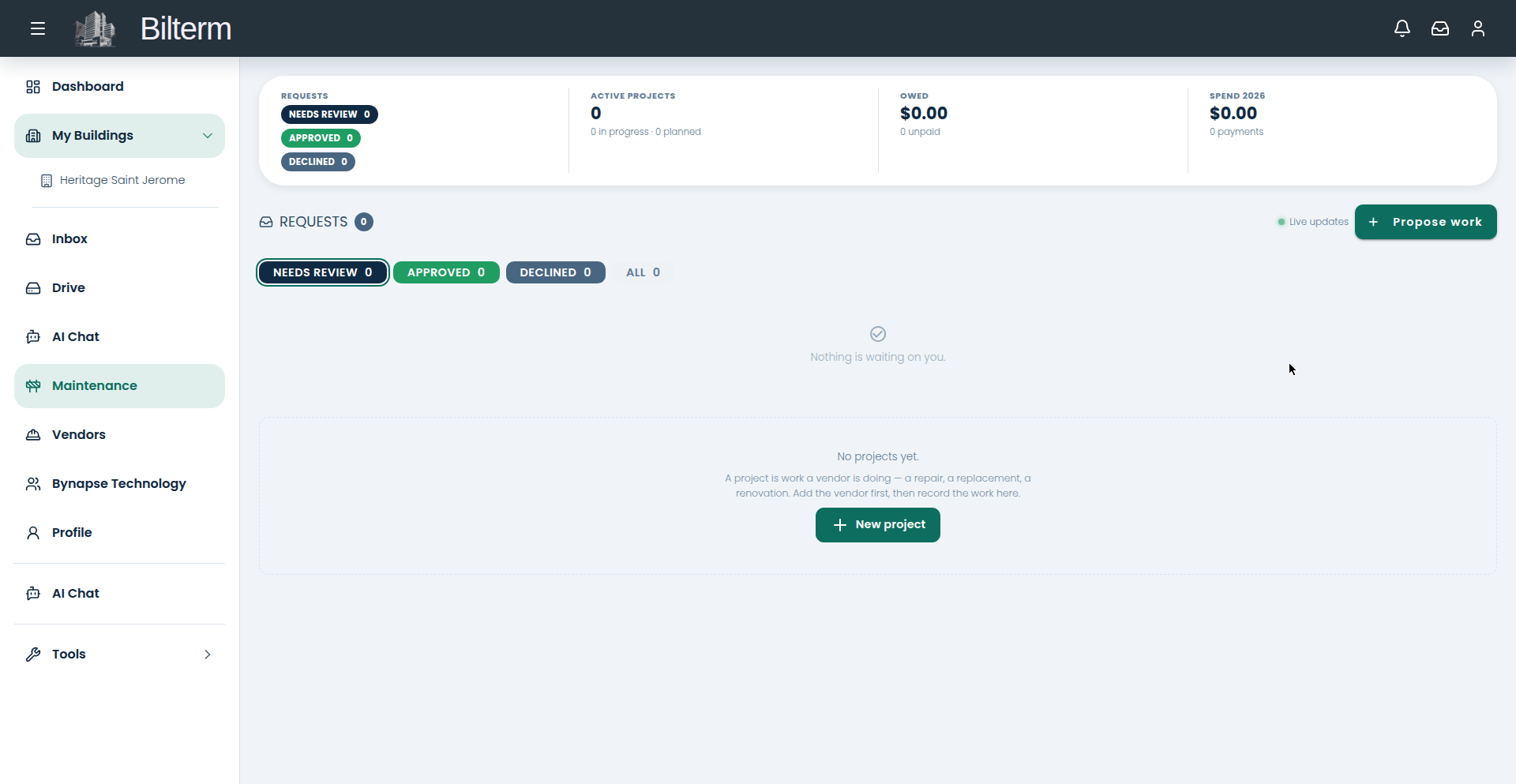
What it does: Photo-first maintenance requests with live status updates as work moves from requested to reviewed to approved. Bigger jobs become projects with an agreed amount, due date, assigned vendor, and proof-of-work photos. Nothing fancy — just every repair tracked from report to done.
Who it’s for: Landlords and superintendents who lose track of repairs in text threads.
Vendors
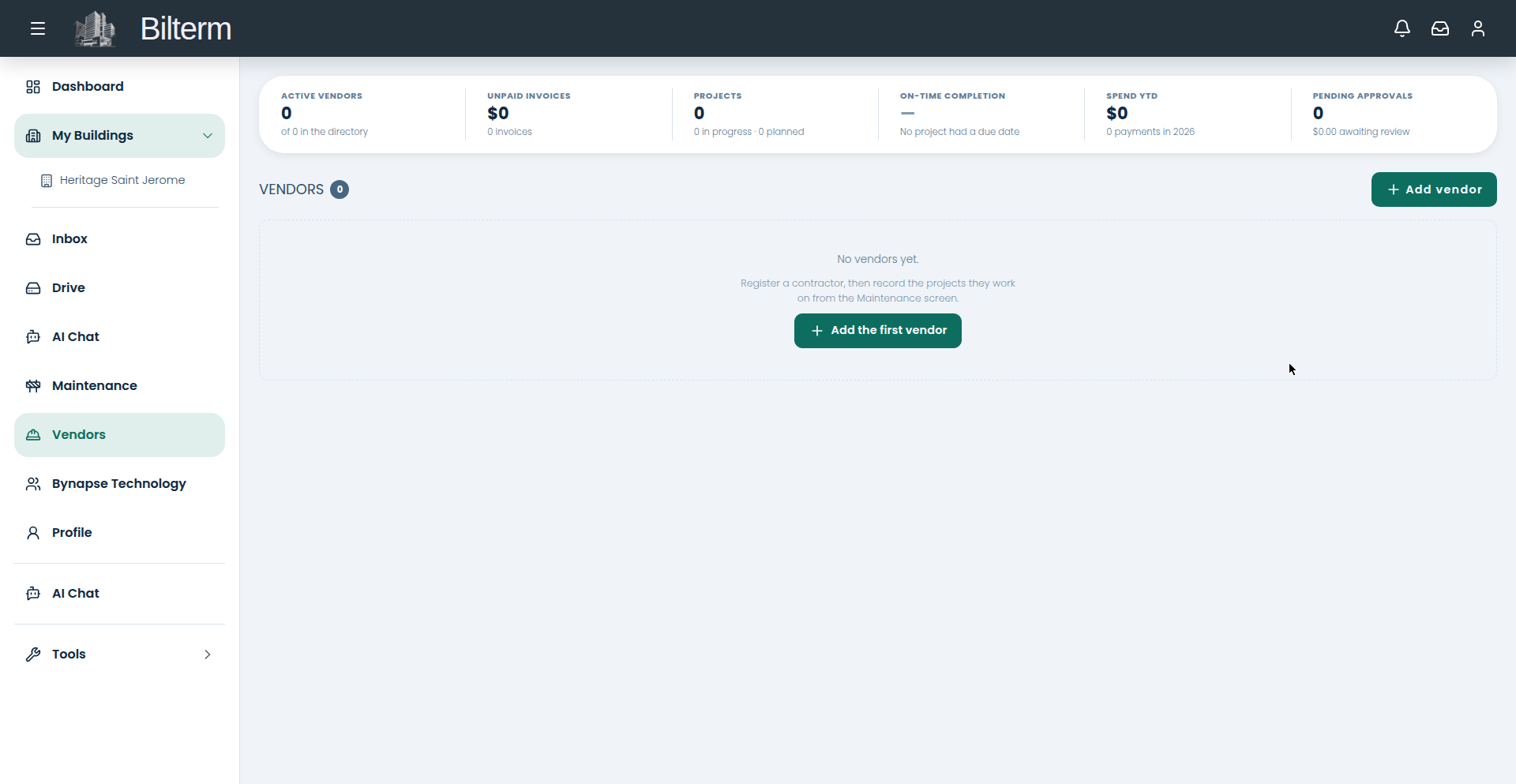
What it does: A vendor directory with detail pages, categories, contact info, licence and tax IDs, and internal notes. Record vendor invoices and vendor payments against them, and track on-time completion across projects. Vendors get a limited portal of their own.
Who it’s for: Owners juggling plumbers, electricians, and snow removal across buildings.
Unified inbox
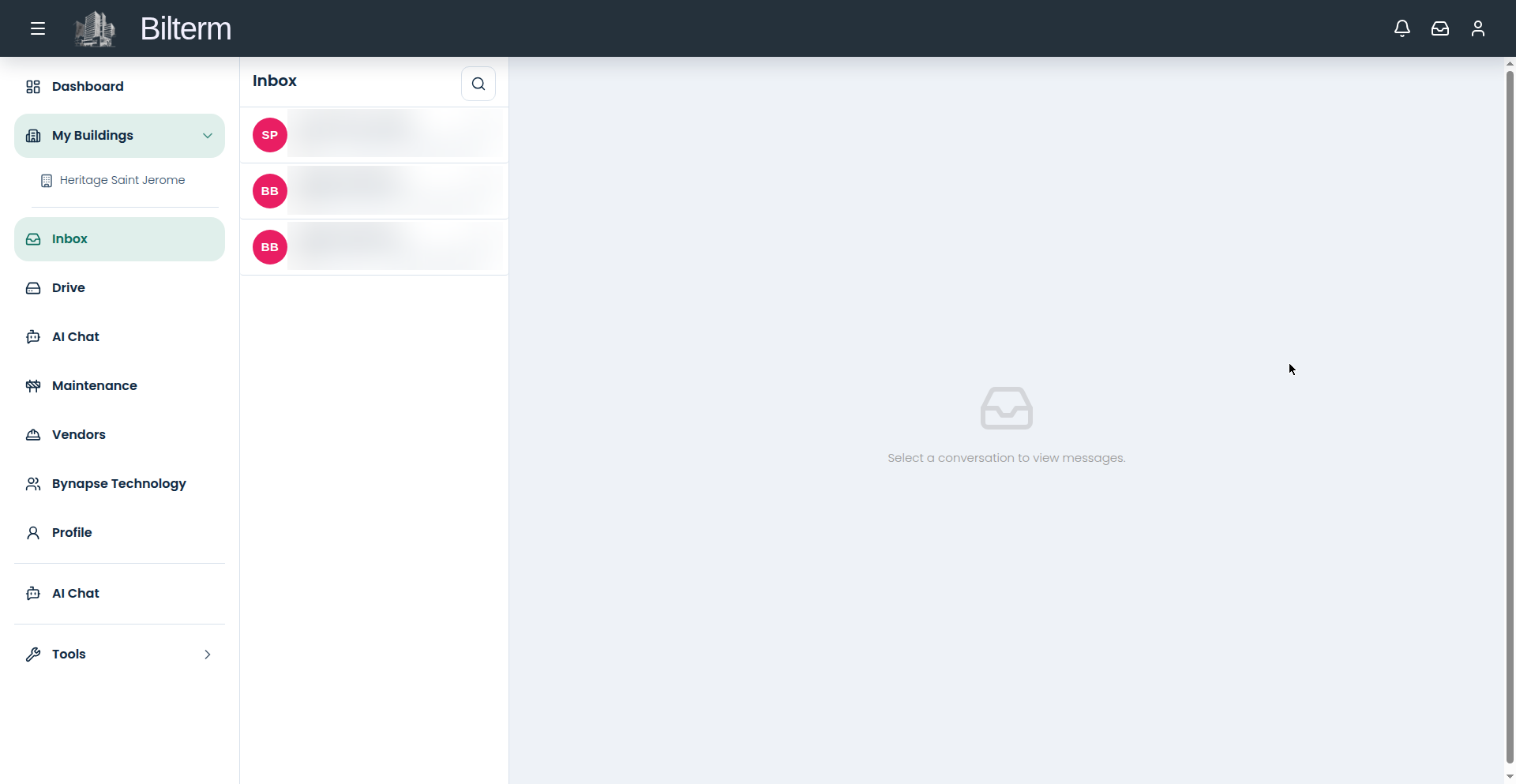
What it does: Email, SMS, WhatsApp, and Messenger conversations land in one thread list, with unread counts, attachments, and live updates — plus internal notes that tenants never see. Reply from Bilterm and the message goes back out through the channel it came in on.
Who it’s for: Anyone whose tenant conversations live in four different apps.
Drive
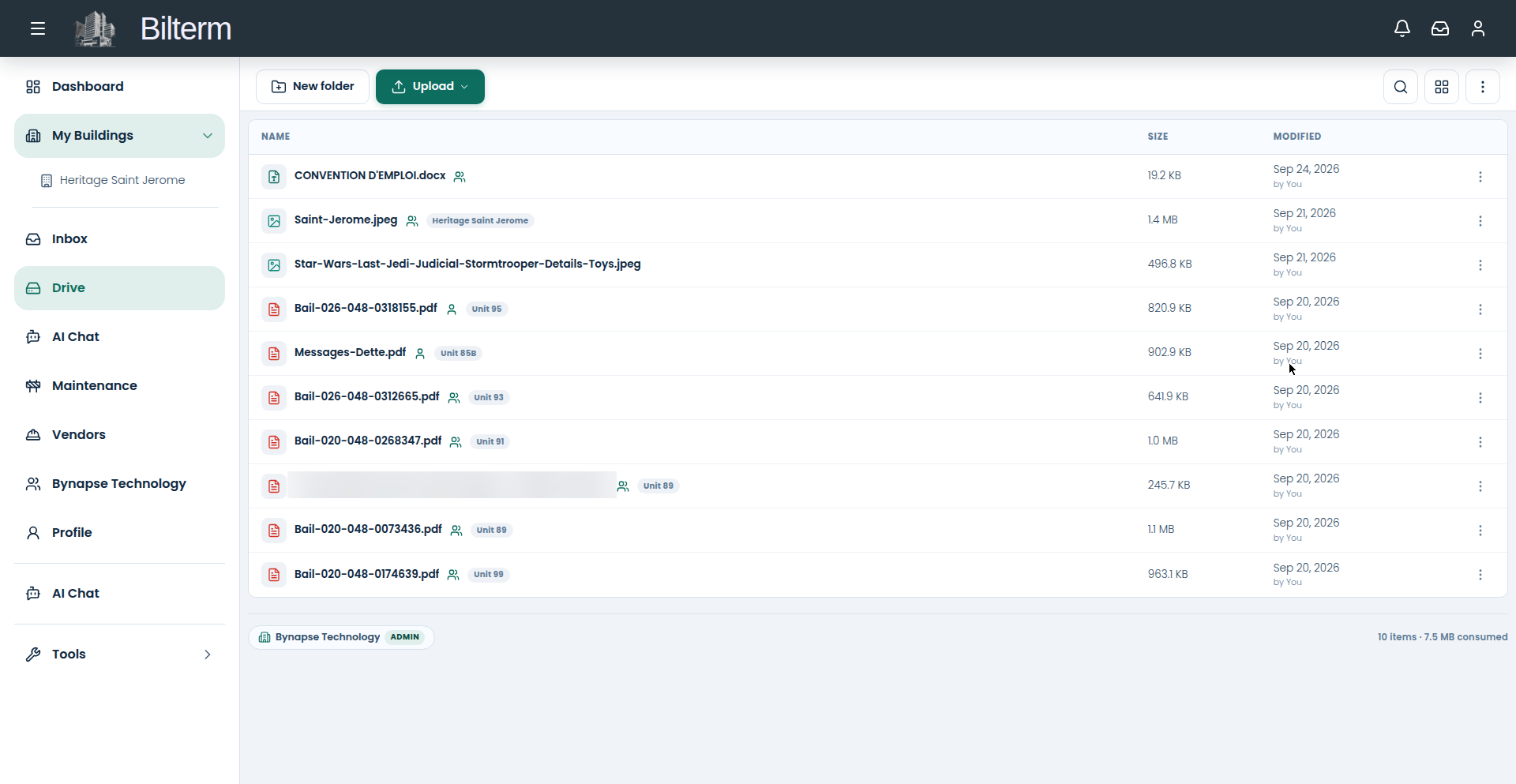
What it does: A Google-Drive-style file manager — folder tree, grid or list views, upload dropzone, search — with a physical folder structure mirroring your buildings, units, leases, and tenants. Files are private to your organization until you share them, per file, including with vendors. Categories cover leases, invoices, insurance, contracts, floor plans, photos, and reports, with tags on top.
Who it’s for: Landlords who want the lease, the insurance certificate, and the boiler manual in one searchable place.
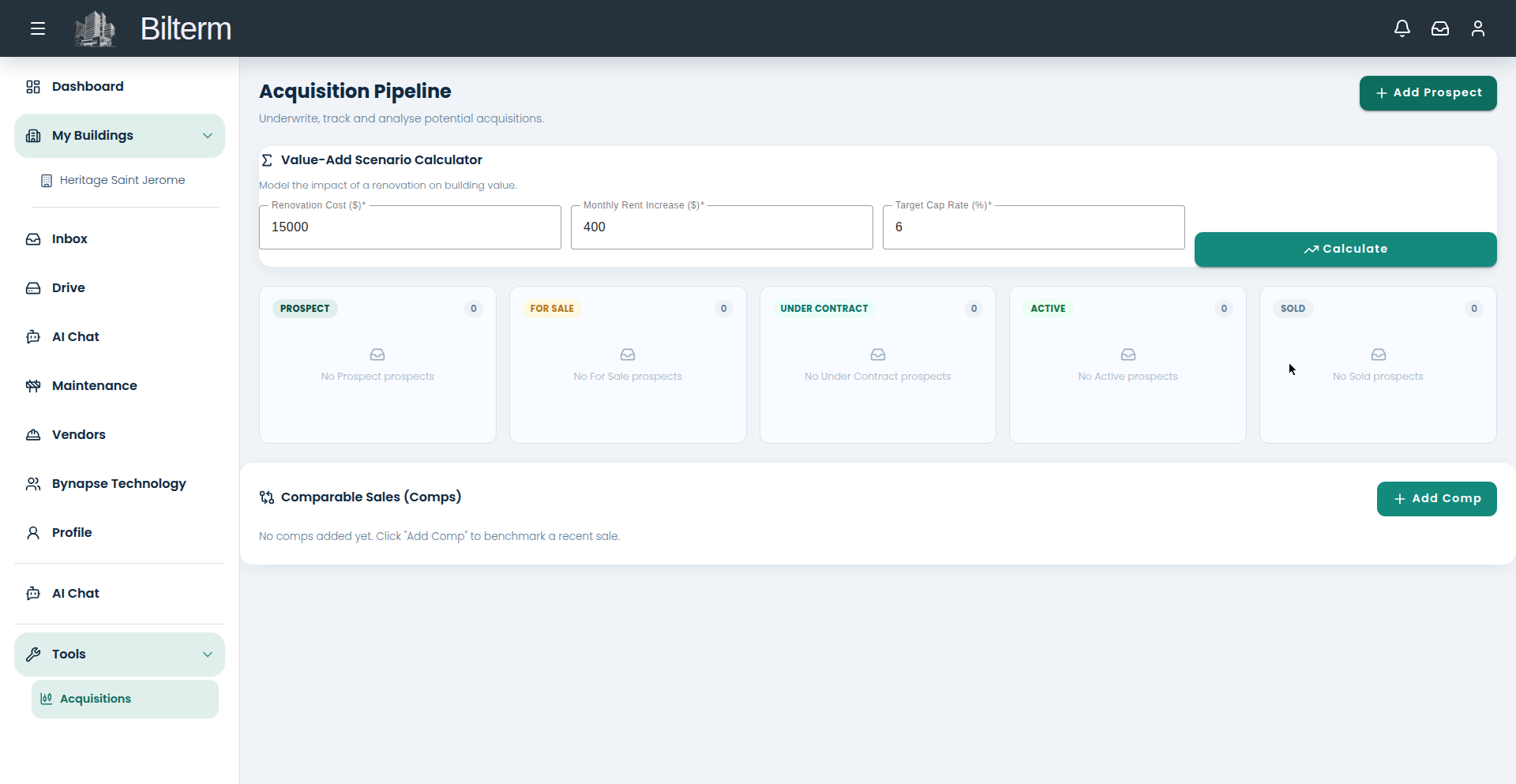
Acquisitions & valuation
What it does: A prospect pipeline with the same asset lifecycle as your buildings — Prospect, For Sale, Under Contract, Active, Sold. Enter asking price, gross annual rent, operating expenses, debt service, and cash invested for a one-click pro-forma: NOI, cap rate, GRM, and DSCR. The value-add calculator models renovations — spend $15,000, raise rent $400, see the value impact at your target cap rate. Add comparable sales to benchmark against.
Who it’s for: Investors underwriting their next building.
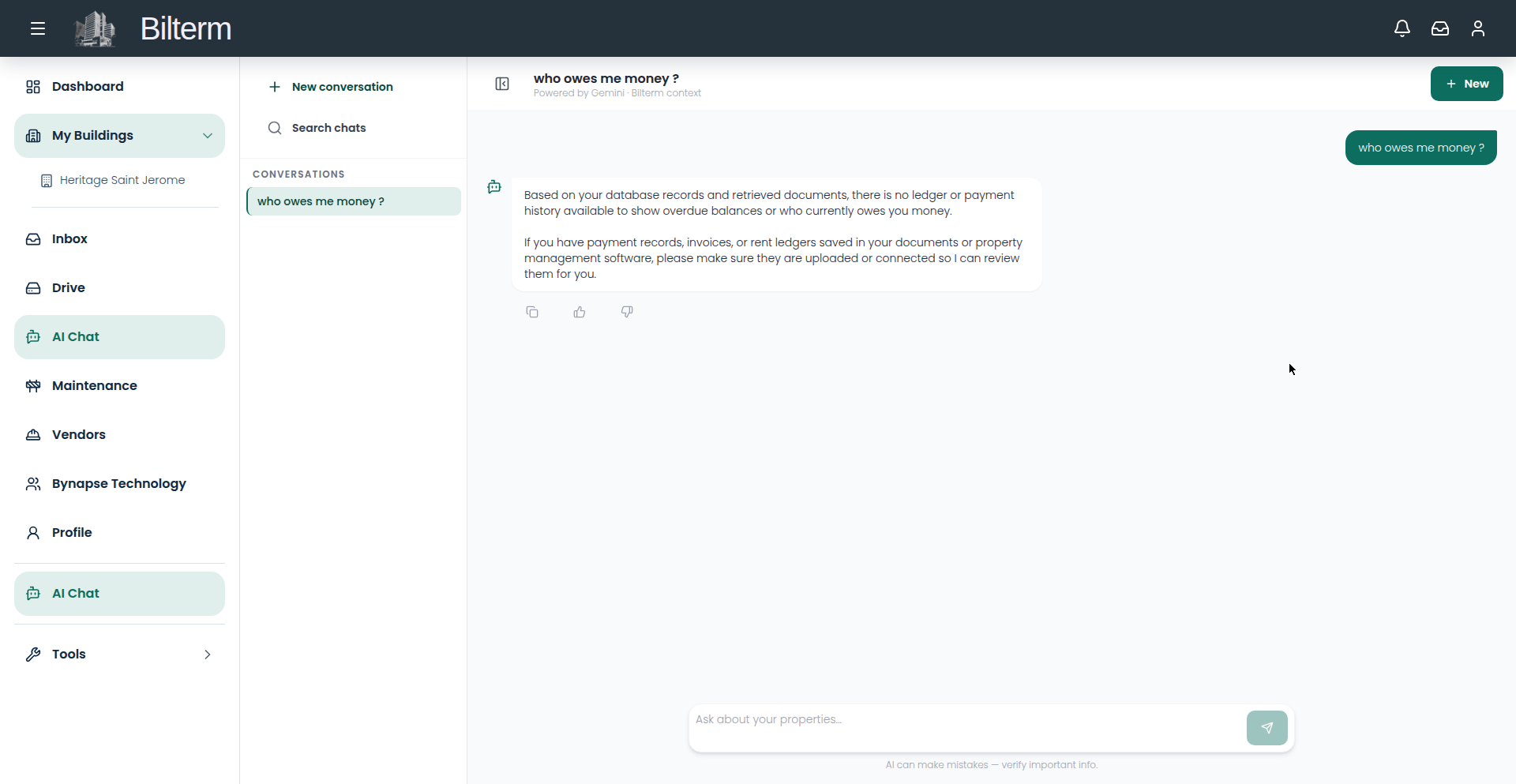
AI assistant
What it does: A sidebar assistant with conversation threads (create, rename, auto-titled, searchable). Feed it documents — paste lease clauses, building notes, procedures — and it answers from that knowledge base, with short-term conversation context and long-term memory of facts you reinforce. Reach it from the AI Chat page or the “Chat with AI” buttons on building and portfolio pages.
Who it’s for: Owners who want their own paperwork to answer back. Note: it does not currently read the rent ledger.
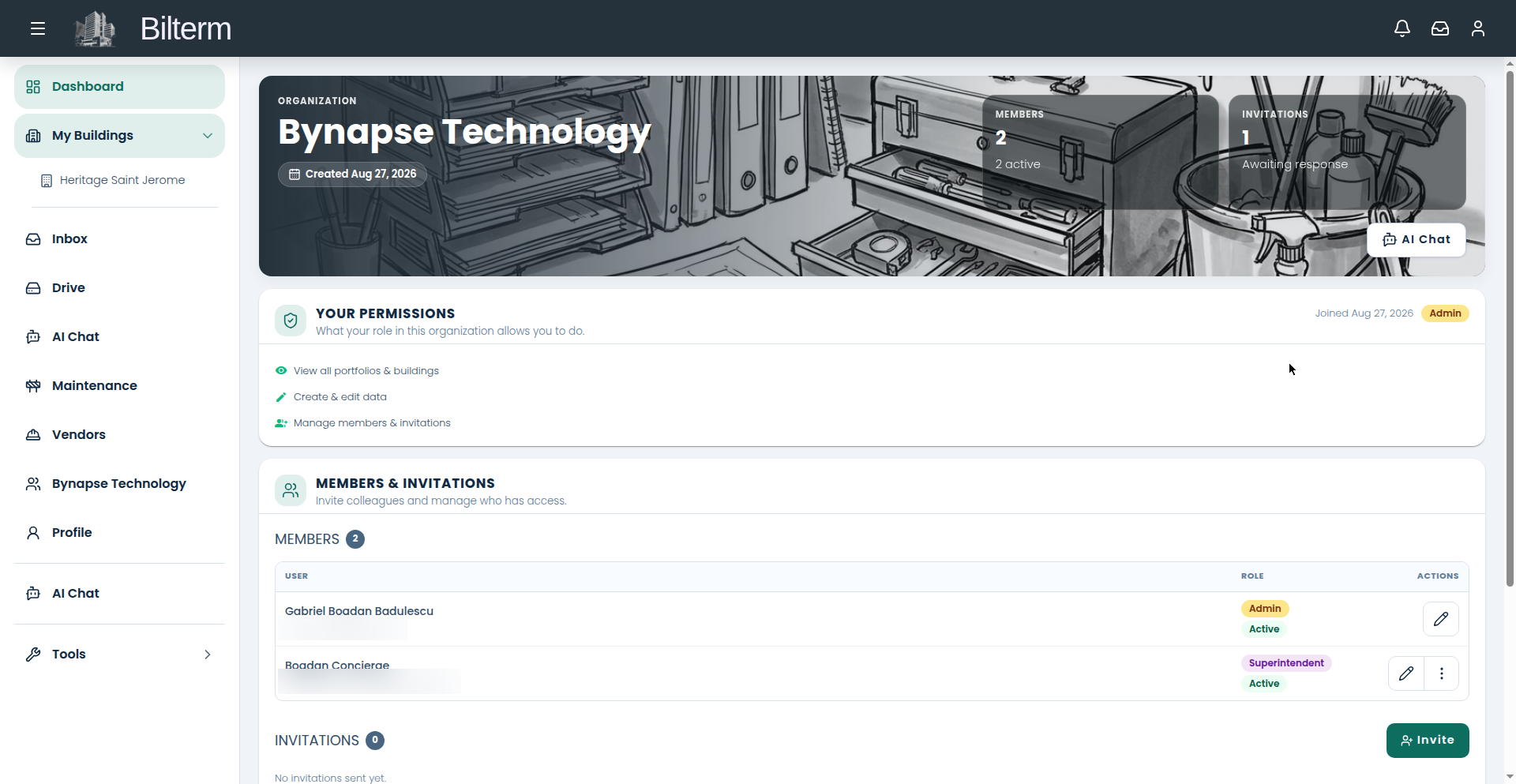
Team & roles
What it does: Run solo or as an organization. Five roles: Admin, Manager, Superintendent, Janitor, Viewer — the last three read-only. Superintendents and janitors are scoped to specific buildings for dated assignment periods, with history preserved and contract files attachable. Invite members by email with role and building assignments; manage tenant invitations separately.
Who it’s for: Owners bringing on a superintendent, a partner, or a bookkeeper without handing over the keys to everything.
Mobile app
What it does: Native Android and iOS apps plus a PWA with offline support. Sign in with your fingerprint, get push notifications for what needs your attention, and check the portfolio from the parking lot.
Who it’s for: Landlords who do half their management from their phone.