Use the mobile app (biometric login, offline)
Half of property management happens away from a desk. Bilterm’s mobile apps (native Android and iOS) plus the offline-capable PWA put the portfolio in your pocket.
- Install the app on your phone and sign in with your Bilterm account (email/password, magic link, or Google — same account as the portal).
- For fingerprint sign-in: go to Profile → Security → Biometric Authentication and click Register. Next time, your fingerprint opens the app.
- Enable push notifications when prompted — that’s how time-sensitive items (maintenance updates, messages) reach you.
- The PWA keeps working offline for cached content; changes sync when you’re back online.
On the go, you can
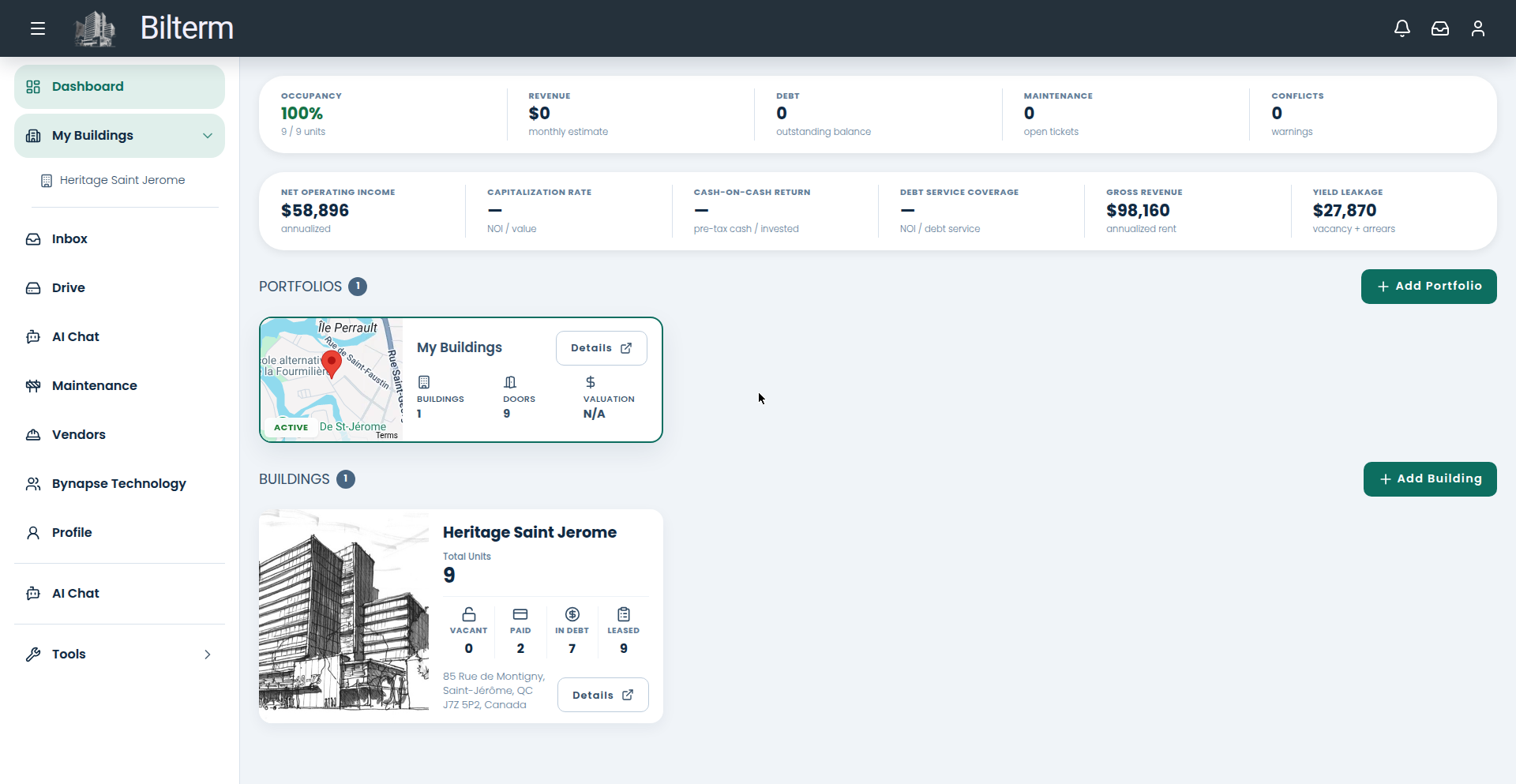
- Check the dashboard KPIs: occupancy, outstanding debt, open maintenance.
- Read the rent ledger per building — billed, collected, outstanding.
- Follow maintenance requests with live status updates and photos.
- Reply in the unified inbox from the parking lot.
Tips
- Also in Profile → Security: enable Two-Factor Authentication and use Change Password periodically. A phone with building data on it deserves both.
- Your Preferred Language (English, French, Romanian) follows you to every device you sign in from — set it once on the profile.
- The mobile app is a companion to the portal, not a replacement: heavy work like underwriting a prospect or reorganizing Drive is still nicer on a big screen.
Leave a Reply
Want to join the discussion?Feel free to contribute!