Handle a maintenance request, photo-first
Every repair in Bilterm starts as a request and moves through a visible pipeline: Requested → Needs Review → Approved → (Declined). Photos first, paperwork later.
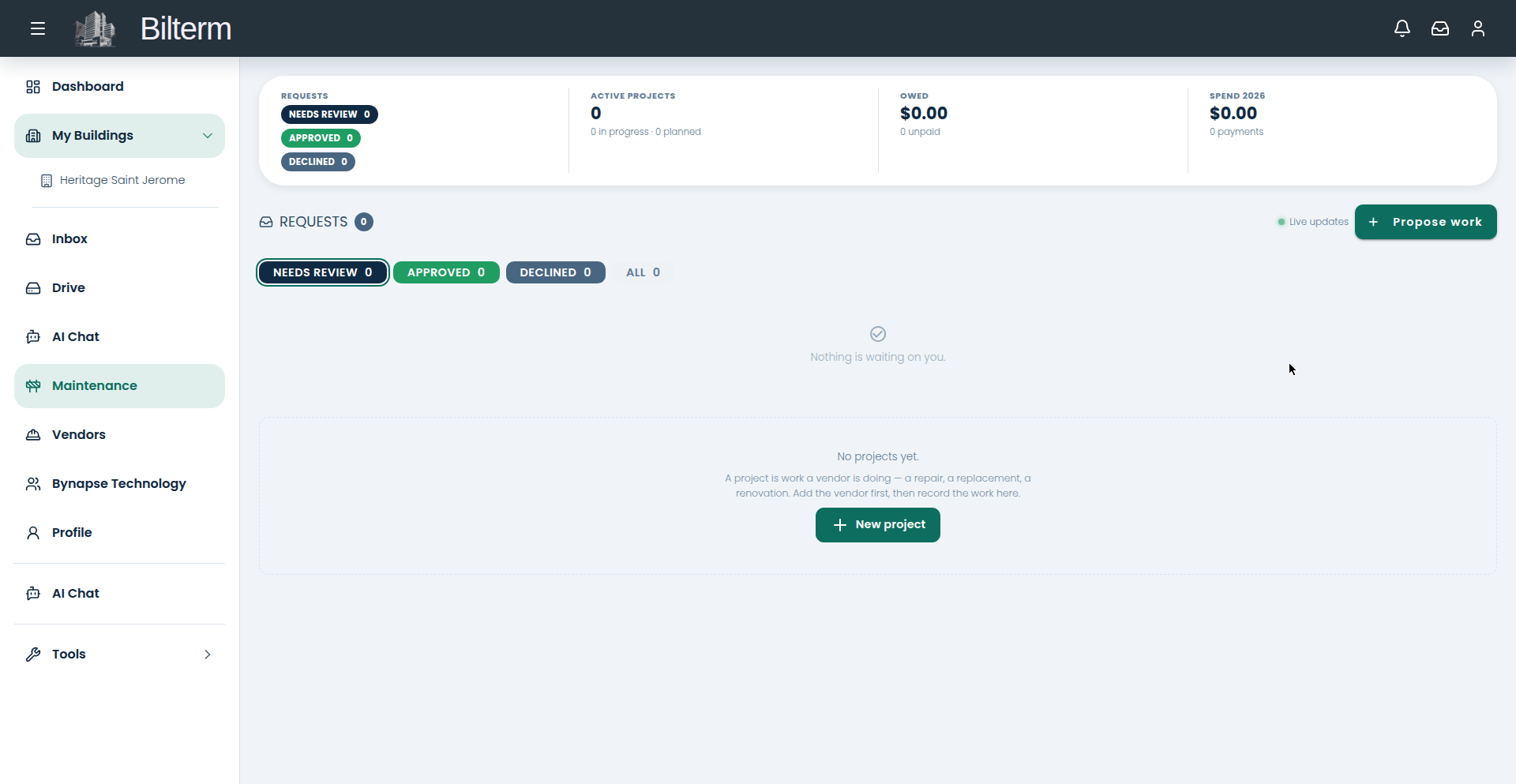
- Go to Entretien. The metrics strip shows requests, needs-review, approved, declined, active projects, amounts owed, and year-to-date spend.
- Click Propose work.
- Pick the Building, then the Unit — “Pick the apartment when the problem is inside it.”
- Set Requested by: “The tenants on the unit’s current lease, or us.”
- Describe What needs doing (required), set the Priority (defaults to Medium), and add an Estimated cost — “A guess is fine — approving is where it gets committed to.” Add Details as needed.
- Attach photos of the problem before you hit Send for review. A photo of the leak beats three paragraphs about the leak.
- Track the request on the Maintenance page as it moves through the tabs: Requests, Needs Review, Approved, Declined, All. Status updates arrive live.
Tips
- Bigger jobs — a roof section, a bathroom gut — belong in projects, not single requests. Group the related requests under a project with an agreed amount and due date.
- When the work is done, attach proof-of-work photos before closing it out. Your future self, reviewing a contractor dispute, will thank you.
- Requests with no photos get deprioritized in practice. Make photos the habit for everyone who reports issues — a picture in the inbox thread takes ten seconds.
Laisser un commentaire
Rejoindre la discussion?N’hésitez pas à contribuer !